

Flowers
Showing all 13 results
 36% Off
 51% Off
 43% Off
 52% Off
 43% Off
 43% Off
 43% Off
 43% Off
 54% Off
 36% Off
 52% Off
 33% Off
 46% Off
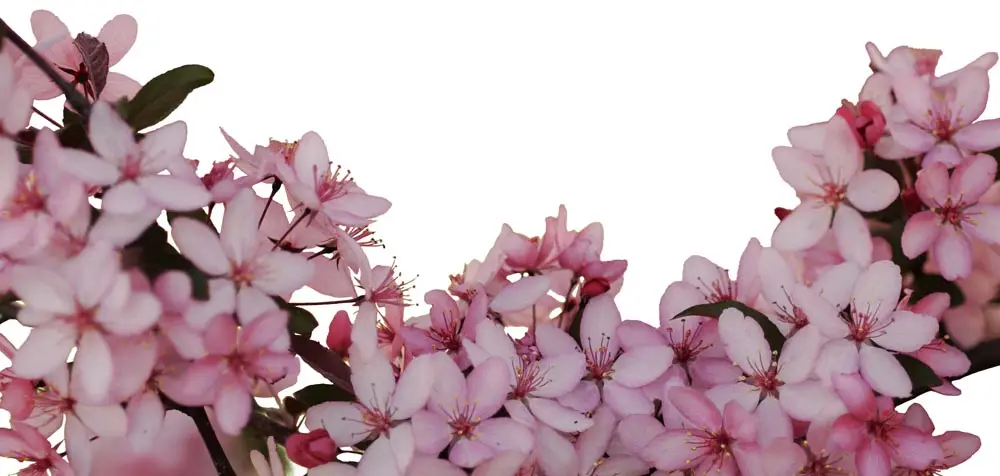
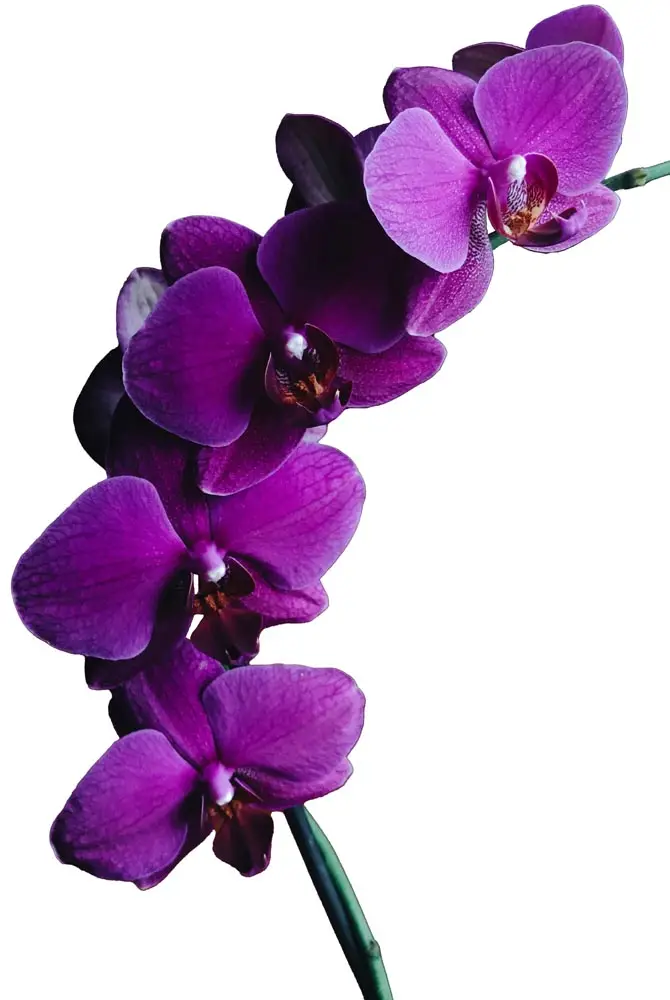
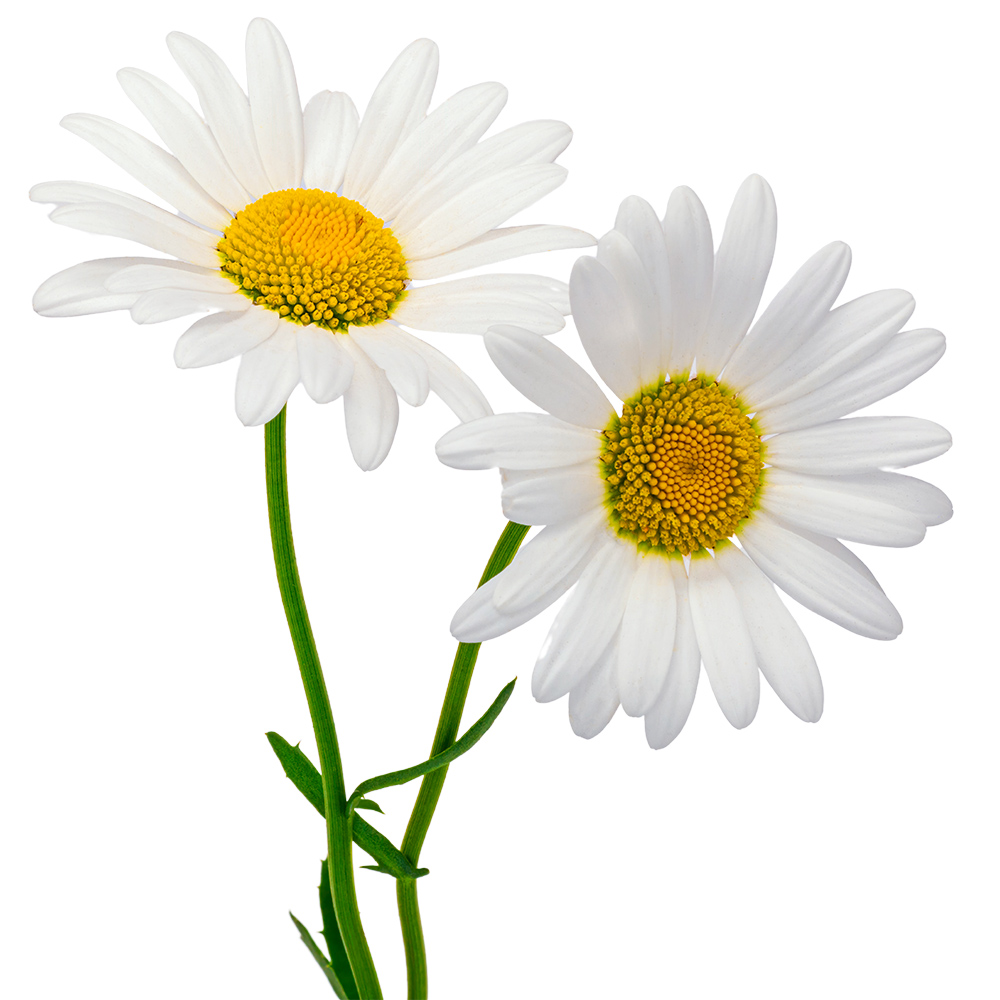
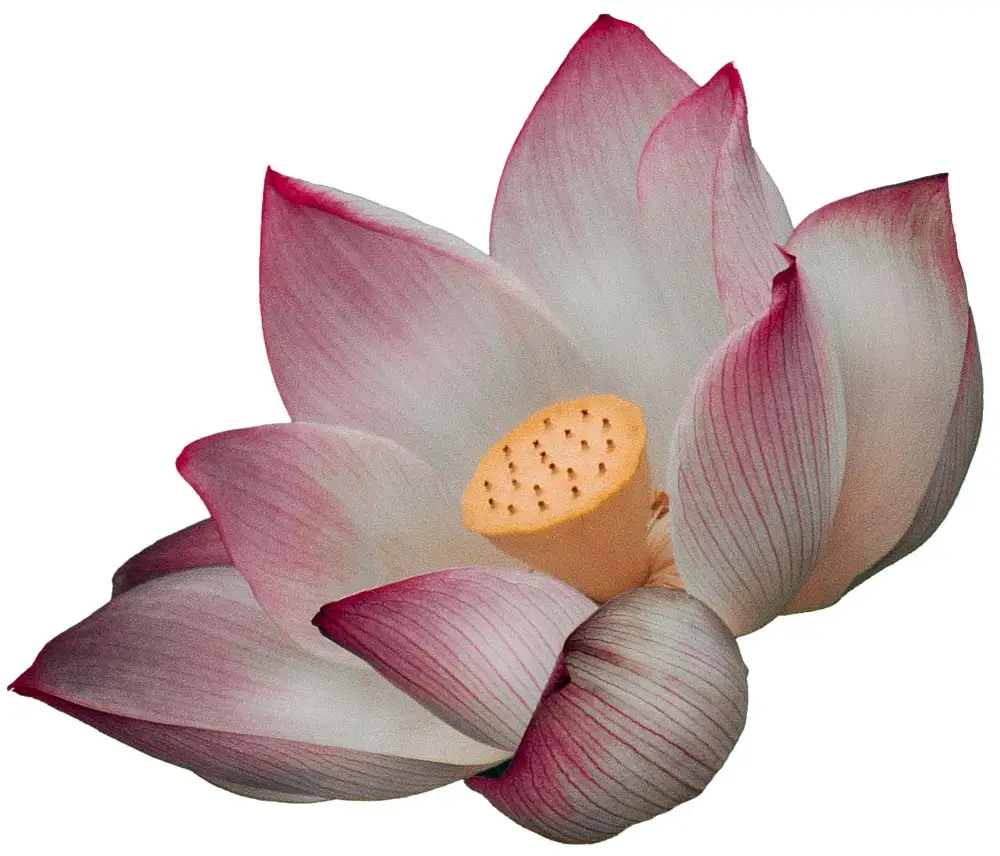
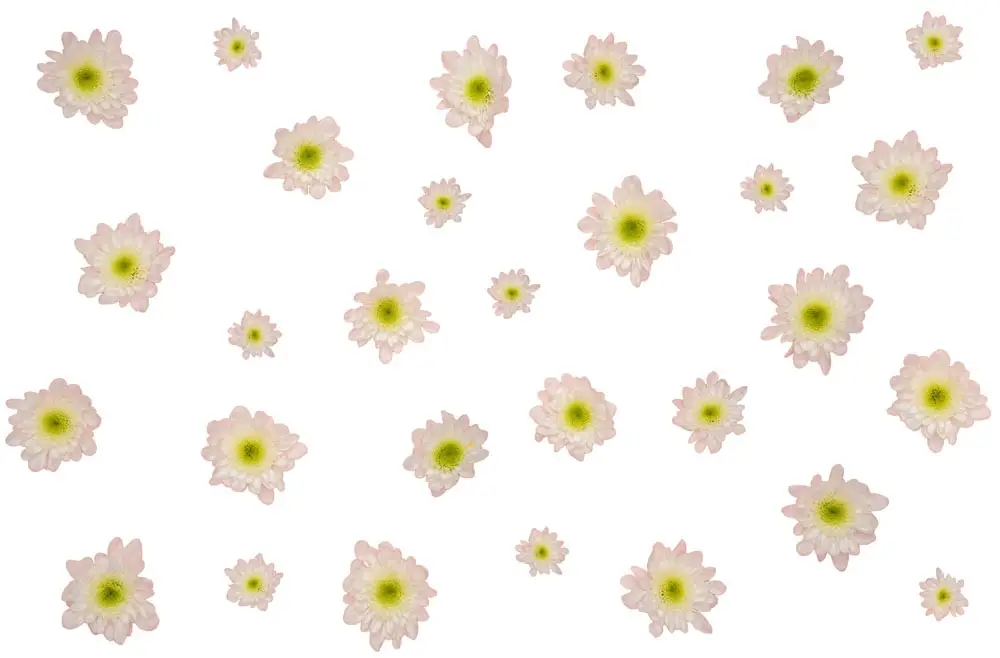
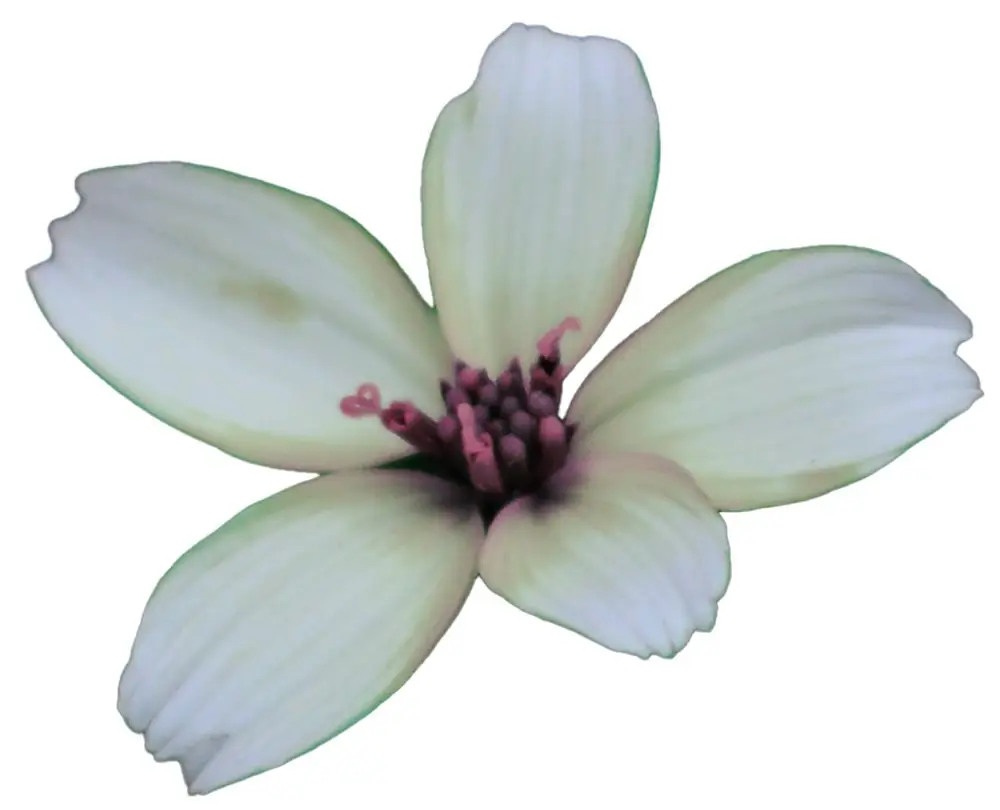
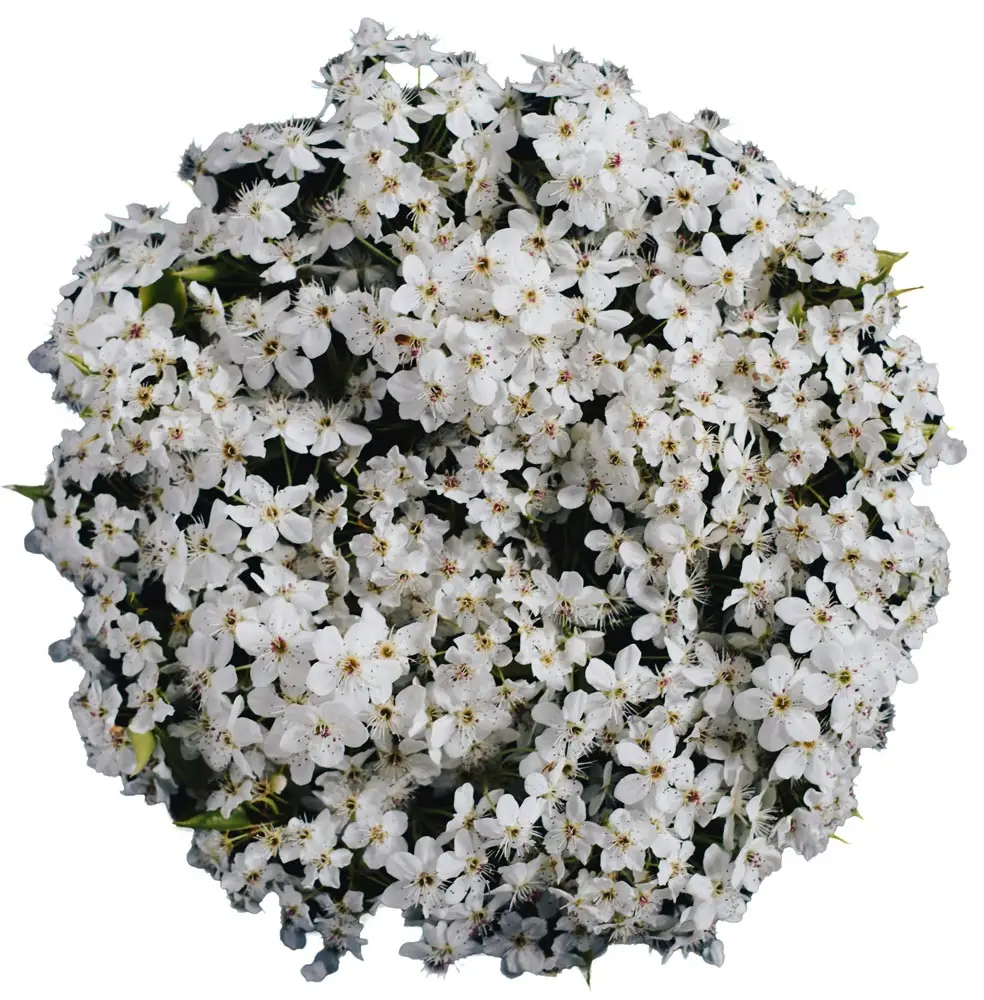
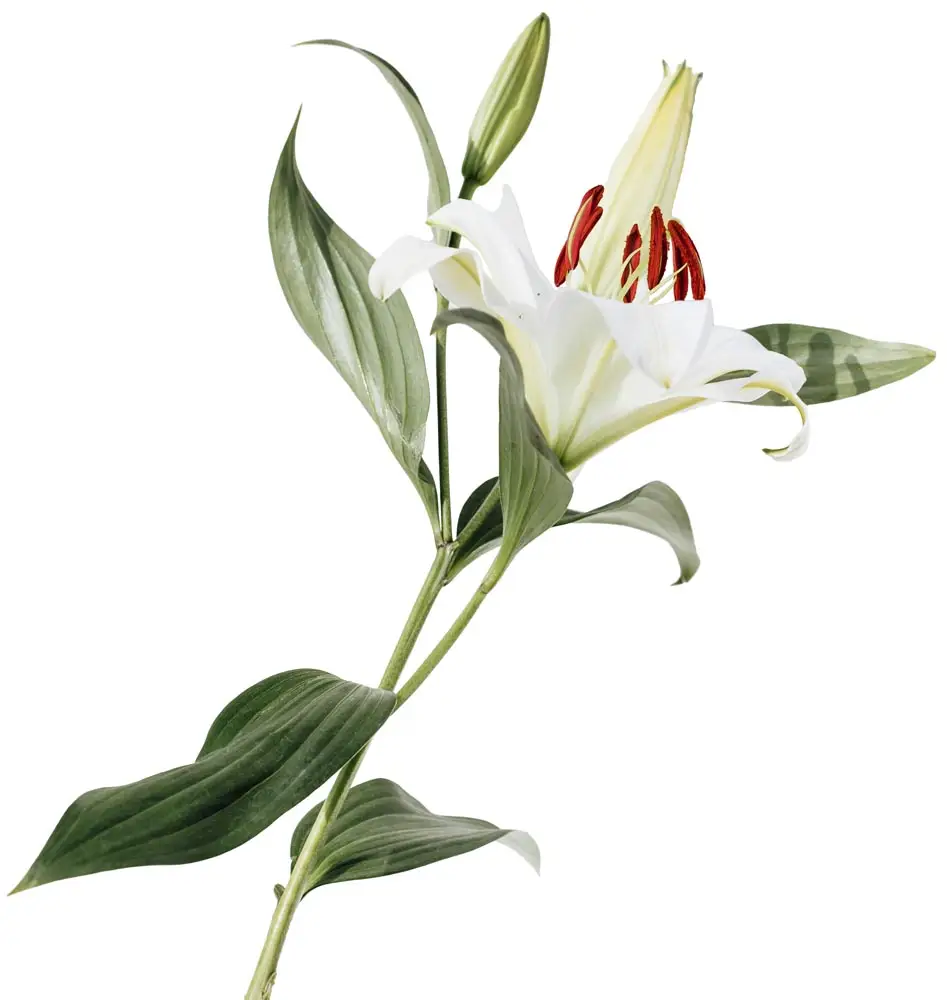
Sometimes a card, invitation, or label already has the text in place, but one empty corner still feels unfinished and needs a floral detail. Flowers PNG elements fit in cleanly when you want a rose, lotus, orchid, daisy, or small blossom to sit near the text without cutting around edges first. A soft flower detail can make the layout feel more complete without making it look crowded.
Labels, price tags, card corners, and planner pages usually need lighter floral details that keep the text readable and the space uncluttered. Simple stems, small blooms, and softer petals can add decoration without covering the message. A transparent flower PNG is usually the easiest to place, while a realistic flower PNG suits elegant invitations, product visuals, and botanical designs.
Flowers with a transparent background and clean botanical elements sit neatly beside text, like invitation names or small label details, without crowding the layout. That keeps invitations, blog graphics, planner pages, and social posts looking finished without feeling busy. In smaller layouts, a single bloom stays clear without taking attention away from the message, which is exactly where flower PNG for cards fits best.
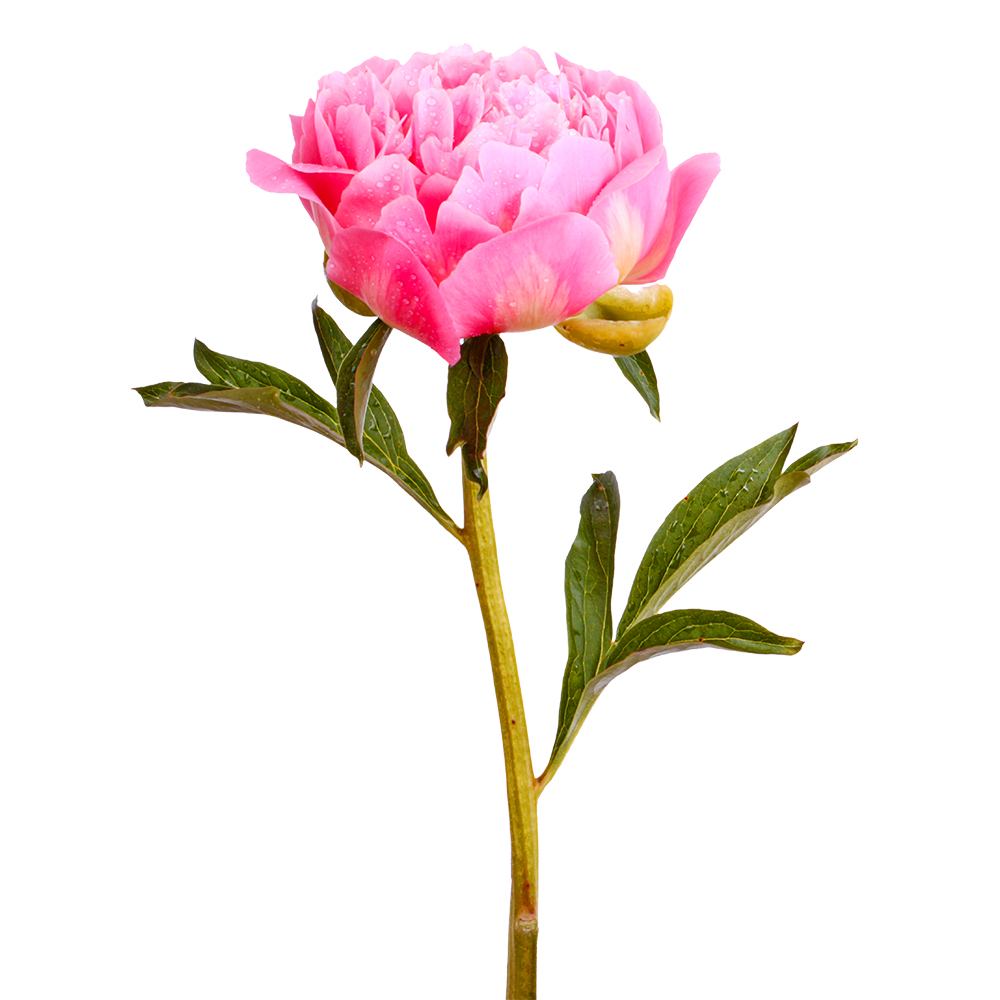
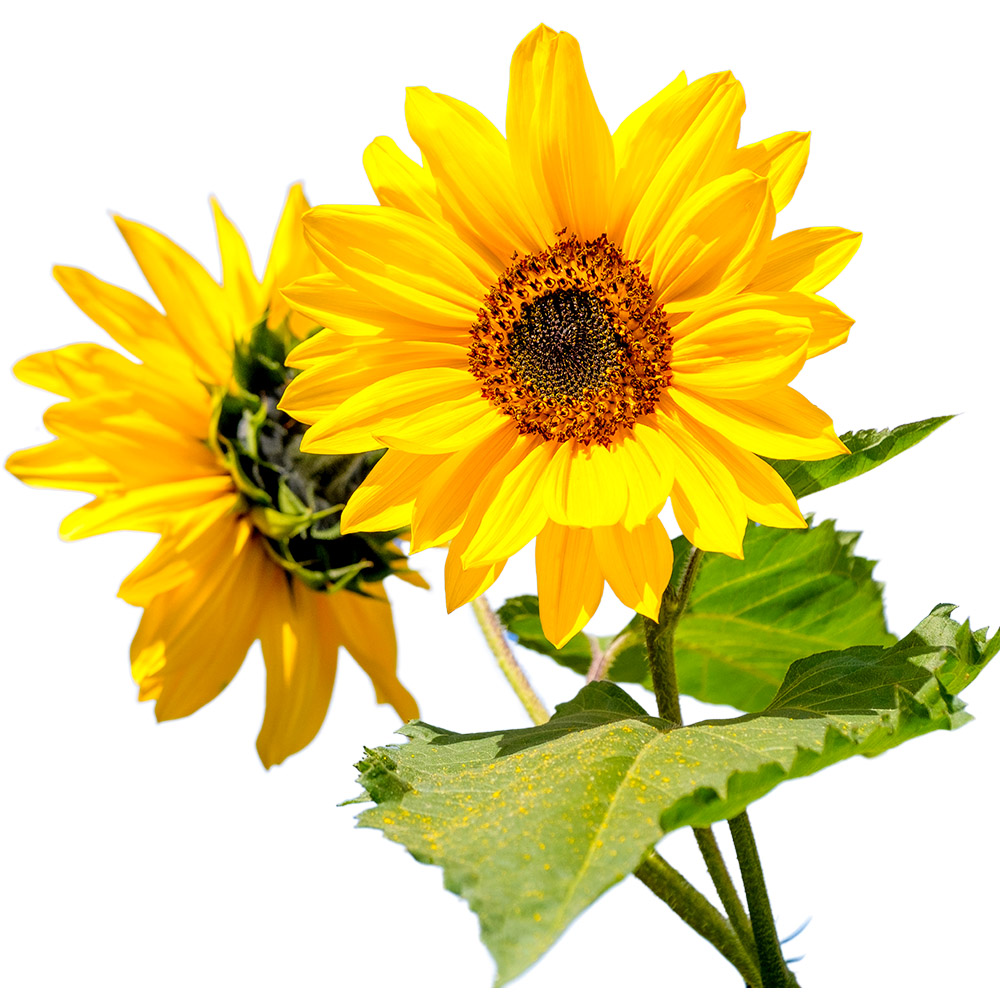
This usually comes up when you are deciding whether the design should feel romantic or cheerful. Roses feel romantic. Daisies and sunflowers feel cheerful. Orchids, lotus flowers, lilies, and peonies bring a softer or more elegant look. If the current floral options do not fit, PNG Graphics is the next place to check. This also helps when floral clipart or soft floral accents are already in the layout and you are deciding what still needs to be added.